Introduction
This article explains the practical differences between the original PlayStation 5, the PS5 Slim, and the PS5 Pro so you can decide which model fits your needs. You will learn how these models typically differ in design, performance, cooling, storage and real-world use cases.
Where exact specifications matter (power draw, GPU/CPU clocks, internal SSD size, supported HDMI version), we’ll point out what to verify with the manufacturer or retailer because those numbers can change between model revisions and regional variants.
Design and physical differences
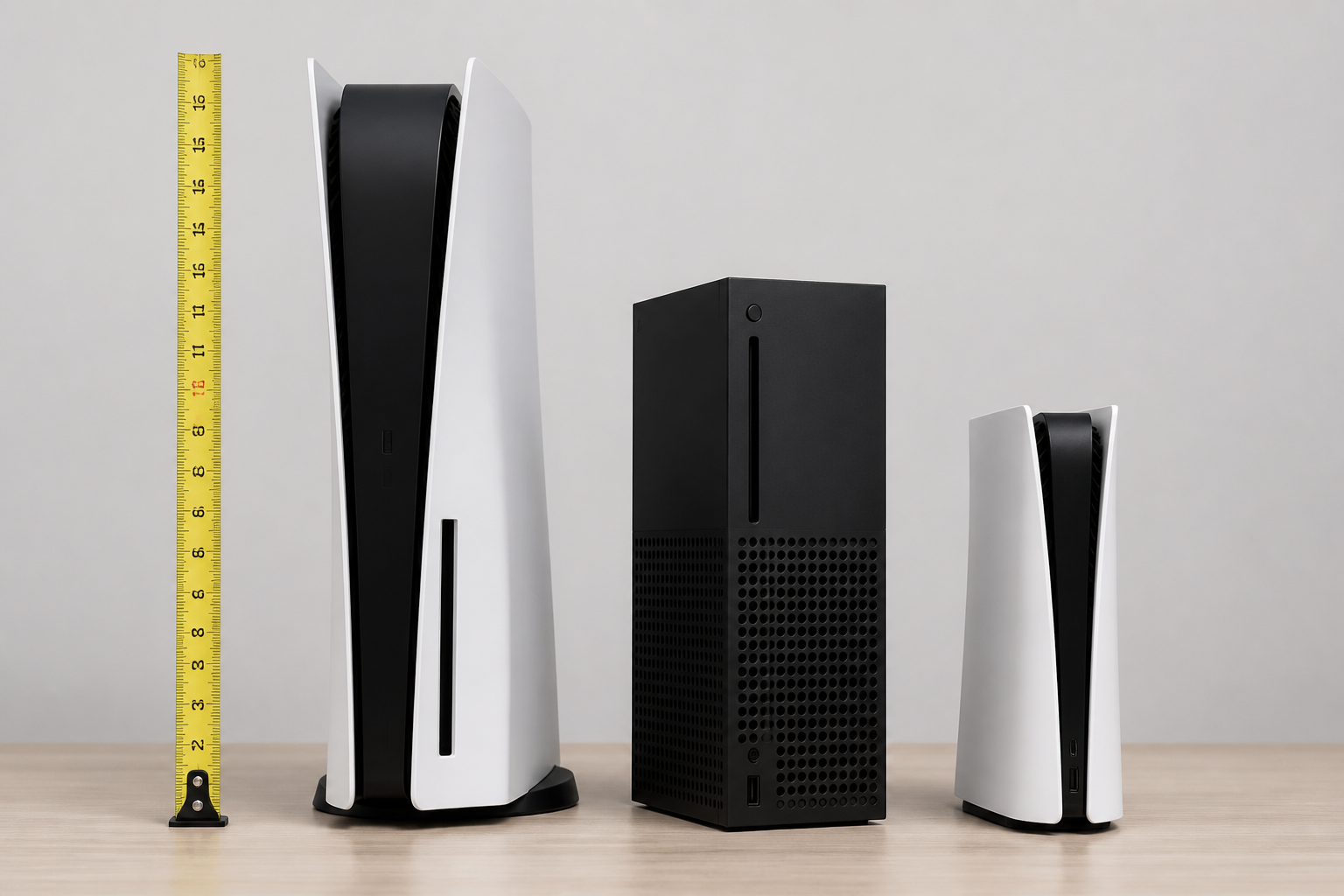
One of the most visible differences between the models is their physical size and styling. These affect placement, ventilation and the type of stand or shelving you need.
- Original PS5 – Medium-to-large footprint with a distinctive two-panel exterior; designed with significant airflow channels.
- PS5 Slim – Typically reduced height and a smaller footprint; engineers often streamline internal layout and cooling to fit the smaller case.
- PS5 Pro – Usually larger than the Slim and possibly larger than the original to accommodate upgraded cooling and higher-performance components.
Considerations:
- Measure the space where the console will sit before buying (vertical and horizontal clearance).
- Check whether the model you want includes a disc drive version or a digital-only version.
- Third-party stands, docks and covers may have fit differences across models.
Performance and graphics
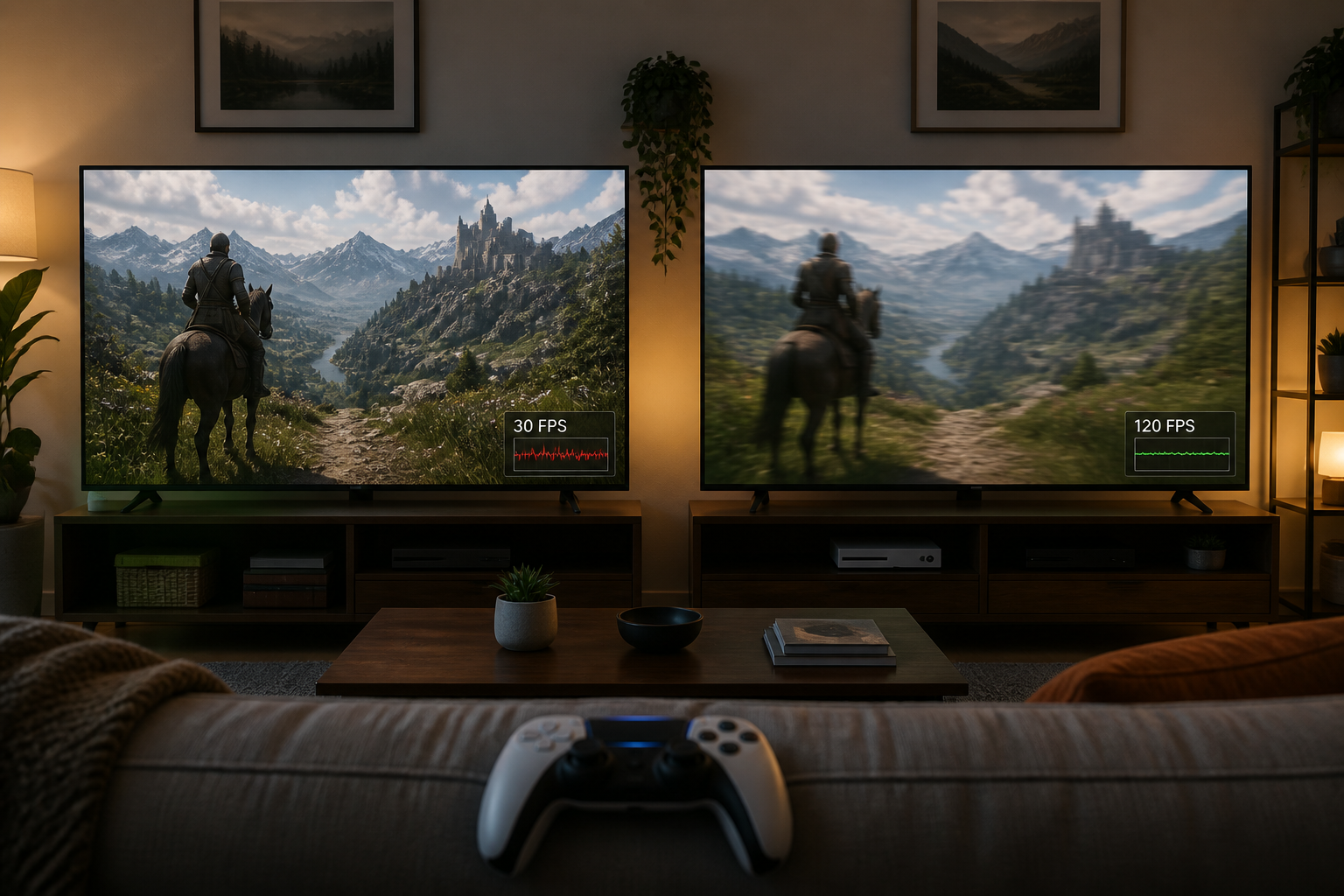
Performance differences are the most important factor for gamers focused on resolution, frame rate and graphical fidelity. Manufacturers position variants differently:
- PS5 Pro is intended to deliver higher sustained performance, which can translate to greater native resolution, steadier frame rates or higher-quality rendering modes in supported games.
- PS5 Slim typically aims to match the original PS5’s gaming performance while reducing size and improving energy efficiency rather than increasing raw performance.
- Game behavior also depends on developer support: some titles include specific patches or performance modes for higher-power models.
What to verify if performance is a priority:
- Target resolutions and frame rates for the games you play.
- Whether the game has a specific update or mode that takes advantage of the Pro’s additional power.
- Your display’s capabilities (resolution and refresh rate)—a higher-performance model may be wasted on a low-resolution/low-refresh TV.
Cooling, noise and power consumption
Case size and internal components influence thermal performance and acoustic behavior.
- Smaller enclosures can be engineered to be quieter and more efficient, but compact designs sometimes run warmer under heavy load.
- Higher-performance models often need larger heatsinks, more efficient fans, or different airflow paths, which can change noise characteristics.
- Power consumption typically increases with performance; that can affect your electricity use and the thermal output in the room.
If noise and heat are important to you, look for independent reviews that measure fan noise and operating temperatures rather than relying on marketing descriptions.
Storage, ports and expandability
Storage options and I/O determine how many games you can have installed, how quickly they load, and what peripherals you can connect.
- Internal SSD capacities may differ by bundle or region; the slot type and supported NVMe specifications can vary between models.
- External storage options (USB drives, external SSDs) are often supported across models, but performance and compatibility depend on the console’s firmware and supported interfaces.
- Check the number and types of USB ports, Ethernet, optical audio (if present), and the HDMI version for display bandwidth.
Important: Confirm supported SSD form factors, maximum capacities and the required interface (e.g., PCIe generation) before purchasing aftermarket storage. Also verify the HDMI version if you plan to use high refresh rates or advanced TV features.
Features and software compatibility
Core PlayStation features—account management, PlayStation Network, digital storefront, controller compatibility and many first-party games—are generally consistent across models. Differences are mostly hardware-related:
- Some models introduce firmware-level features optimized for the hardware (e.g., performance-preserving modes, dynamic resolution targets).
- Accessories such as controllers and headsets are usually cross-compatible, but check manufacturer notes for any exceptions.
- Backward compatibility with earlier PlayStation generations is determined by software and system firmware, not the physical model in most cases.
Which model is right for you?
Match the model to how you play and what your setup supports.
- Choose the PS5 Slim if you need a smaller footprint, lower weight and similar day-to-day performance at potentially improved efficiency.
- Choose the PS5 Pro if you want the best possible performance for high-resolution, high-frame-rate gaming and have a display that can take advantage of it.
- Choose the original PS5 if you find a deal on it and its performance and features already meet your needs.
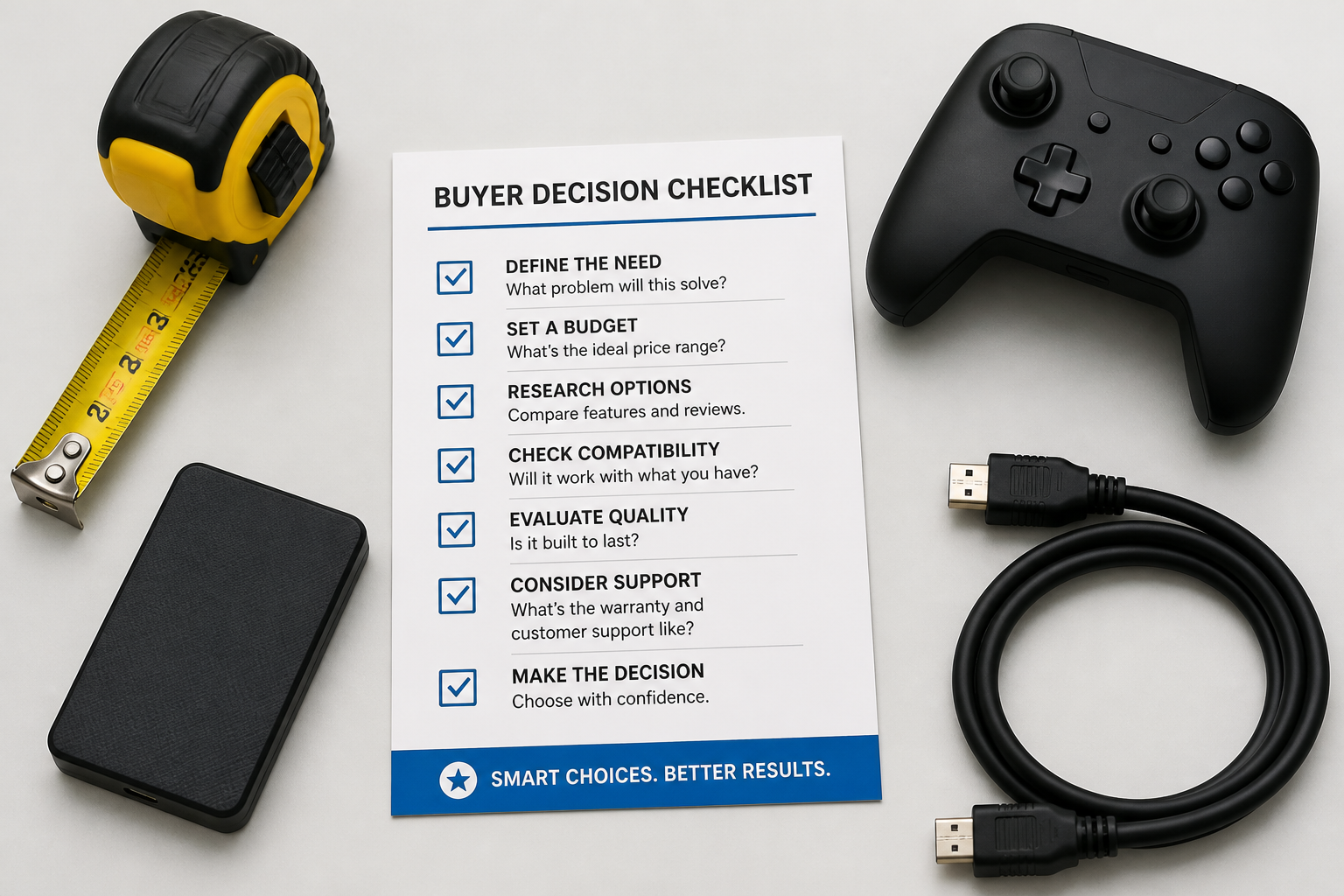
Decision checklist (follow these steps):
- List the games you play and whether they benefit from higher frame rates or resolution.
- Check your TV or monitor resolution and refresh rate capabilities.
- Measure the space where the console will be placed.
- Compare official specifications and read hardware reviews for noise, thermals and real-world performance.
- Factor in storage needs and whether you’ll add a compatible NVMe SSD or external drive.
Summary and next steps
In short: the Slim focuses on a smaller, more efficient design while aiming to keep similar gaming performance; the Pro targets higher graphical and performance capability at the cost of size and power. The original model sits between them depending on the exact revision.
Next steps:
- Compare the official specifications for the exact SKUs you are considering.
- Read independent reviews that measure noise, thermals and real-world frame rates for the games you play.
- Decide based on your display capabilities, space constraints and whether higher performance justifies the price difference for you.